
Skip to content

Vibe Designing

I took at stab at vibe designing–no manual layout, just prompting.

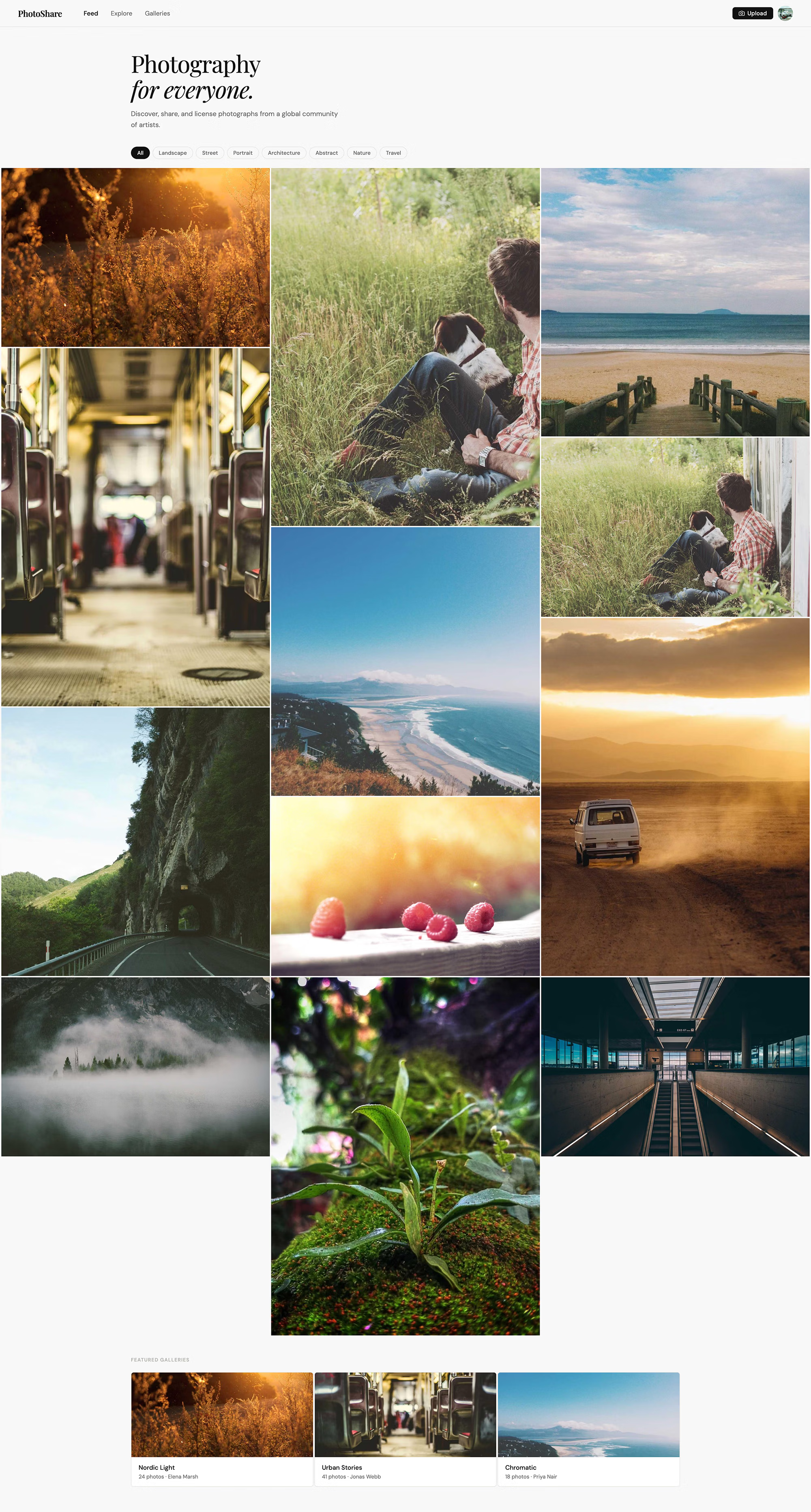
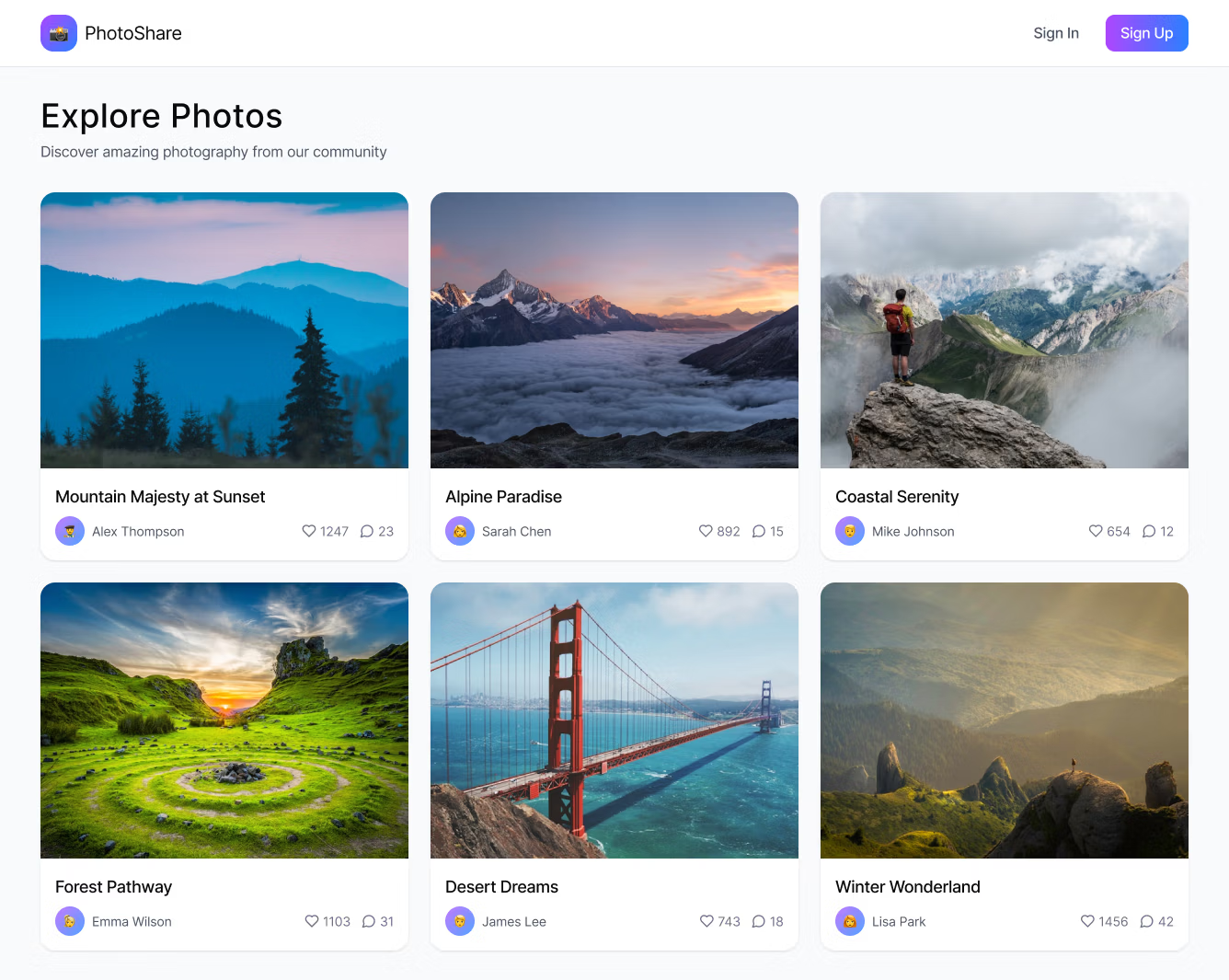
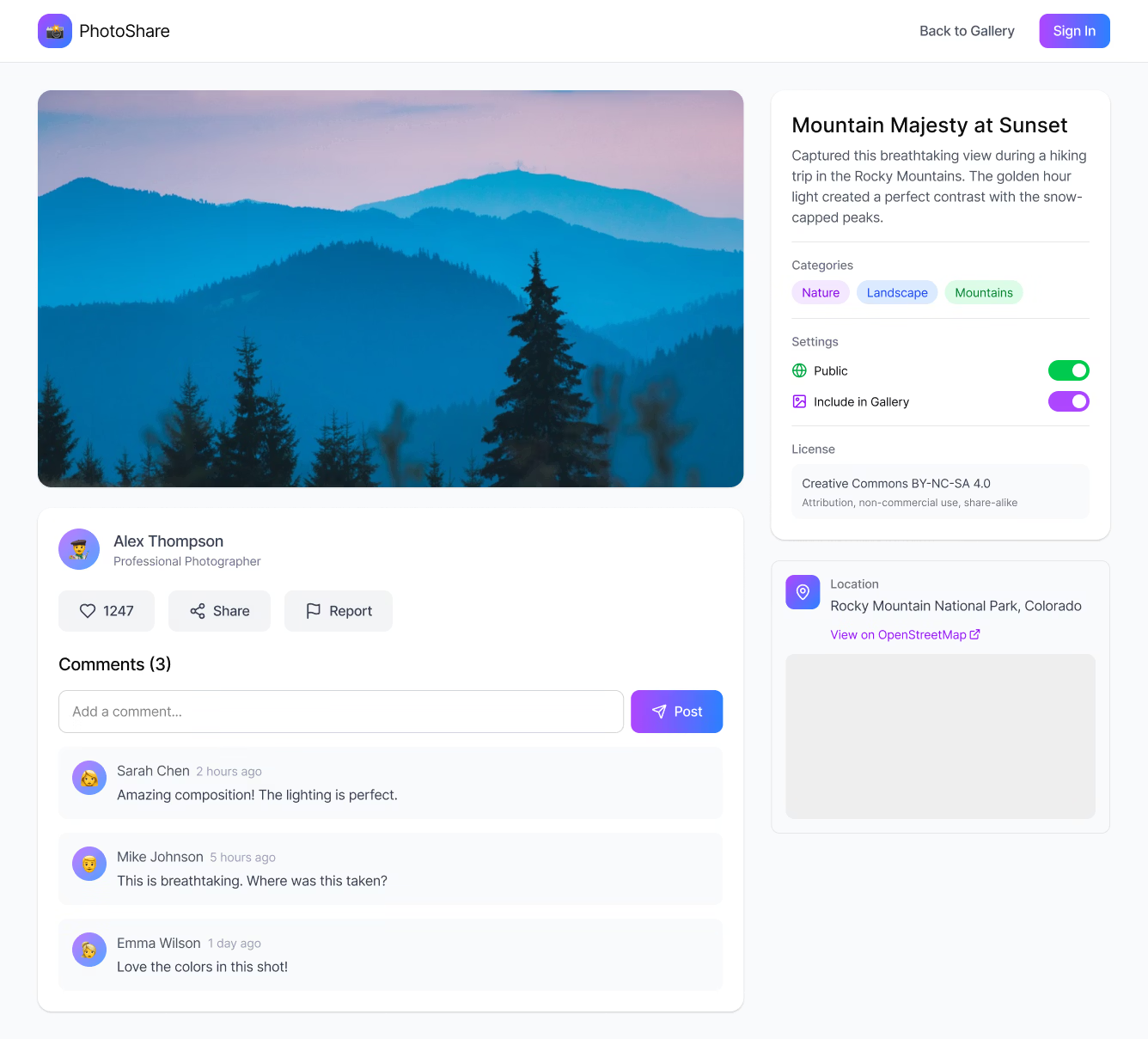
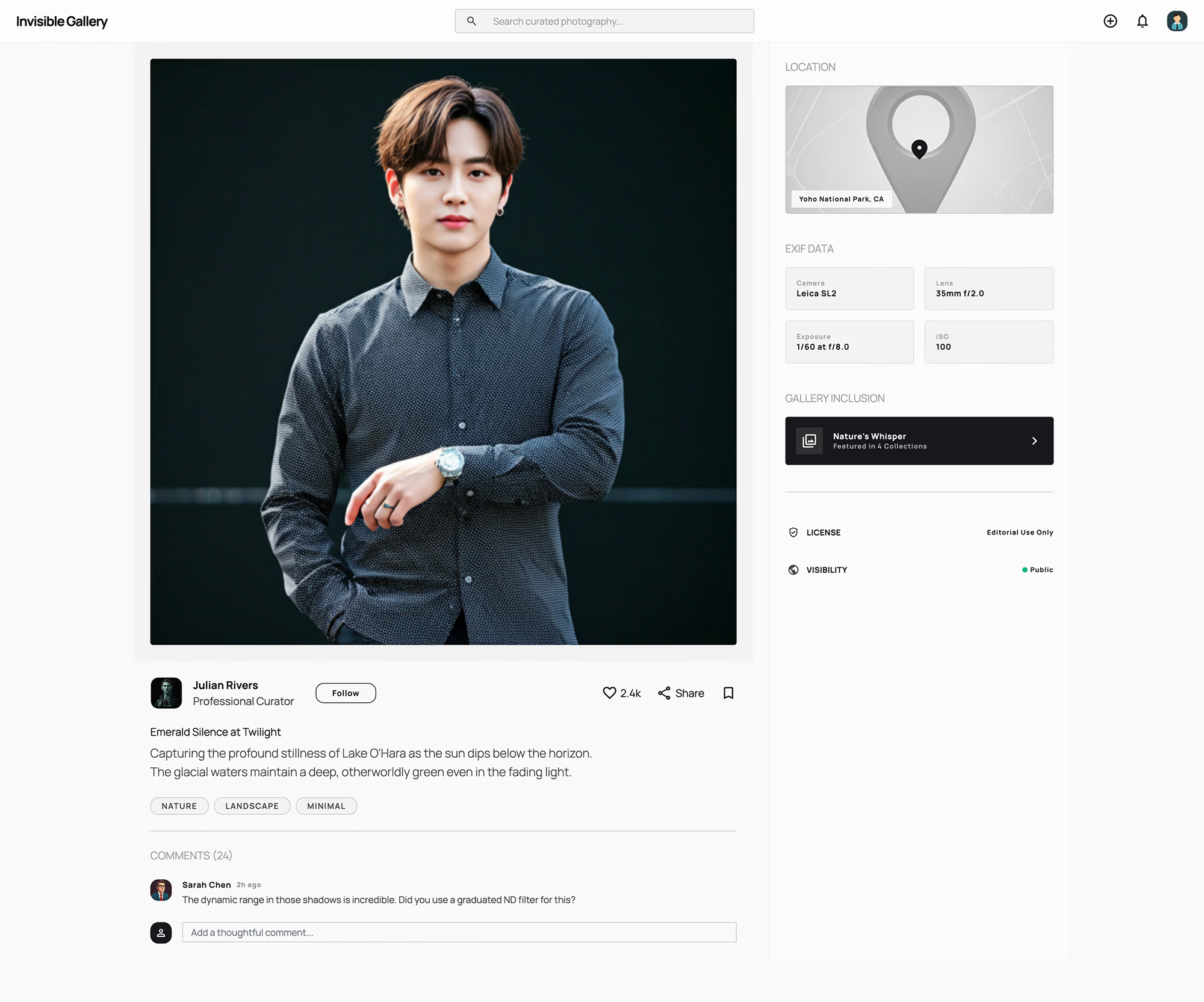
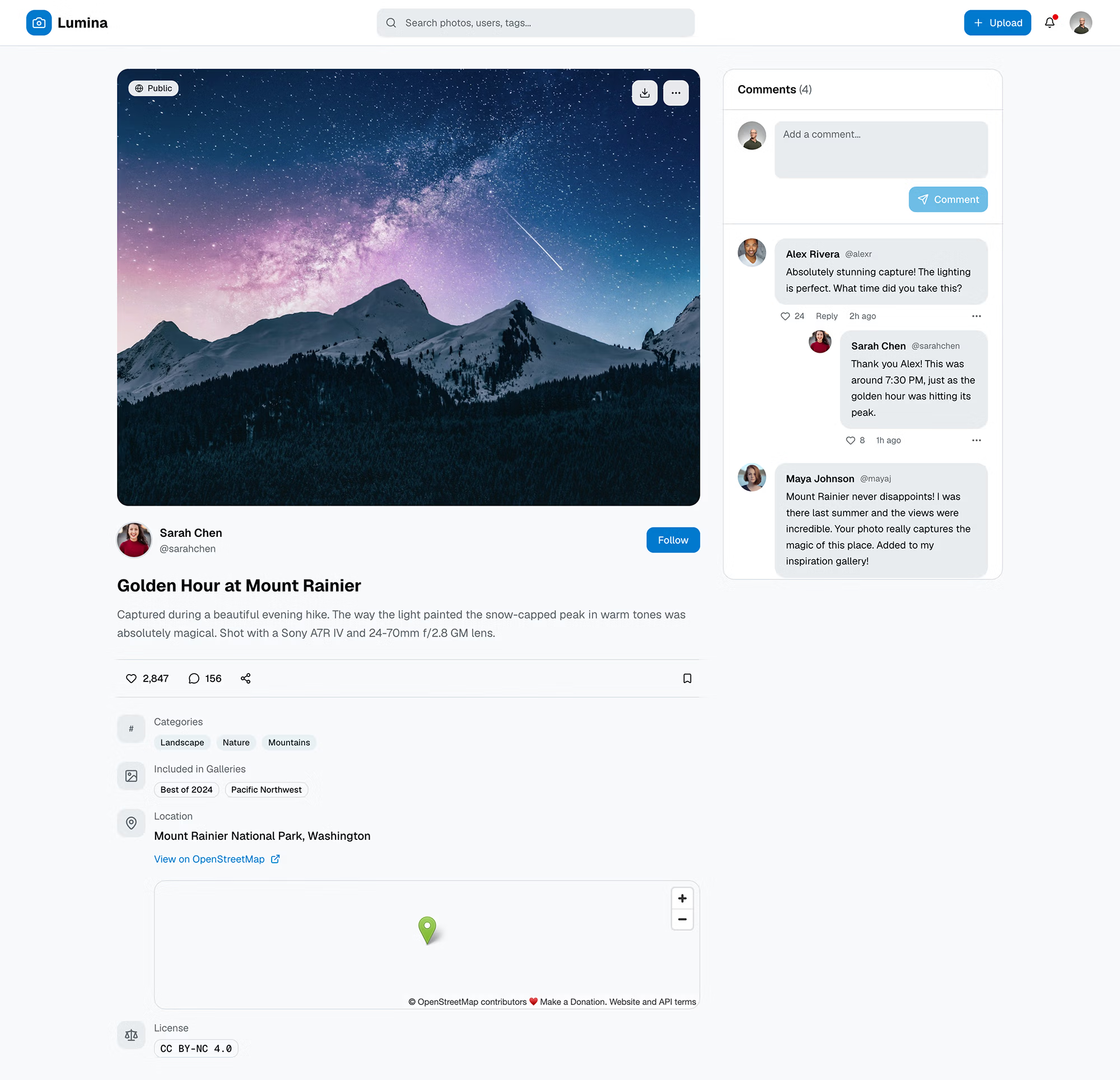
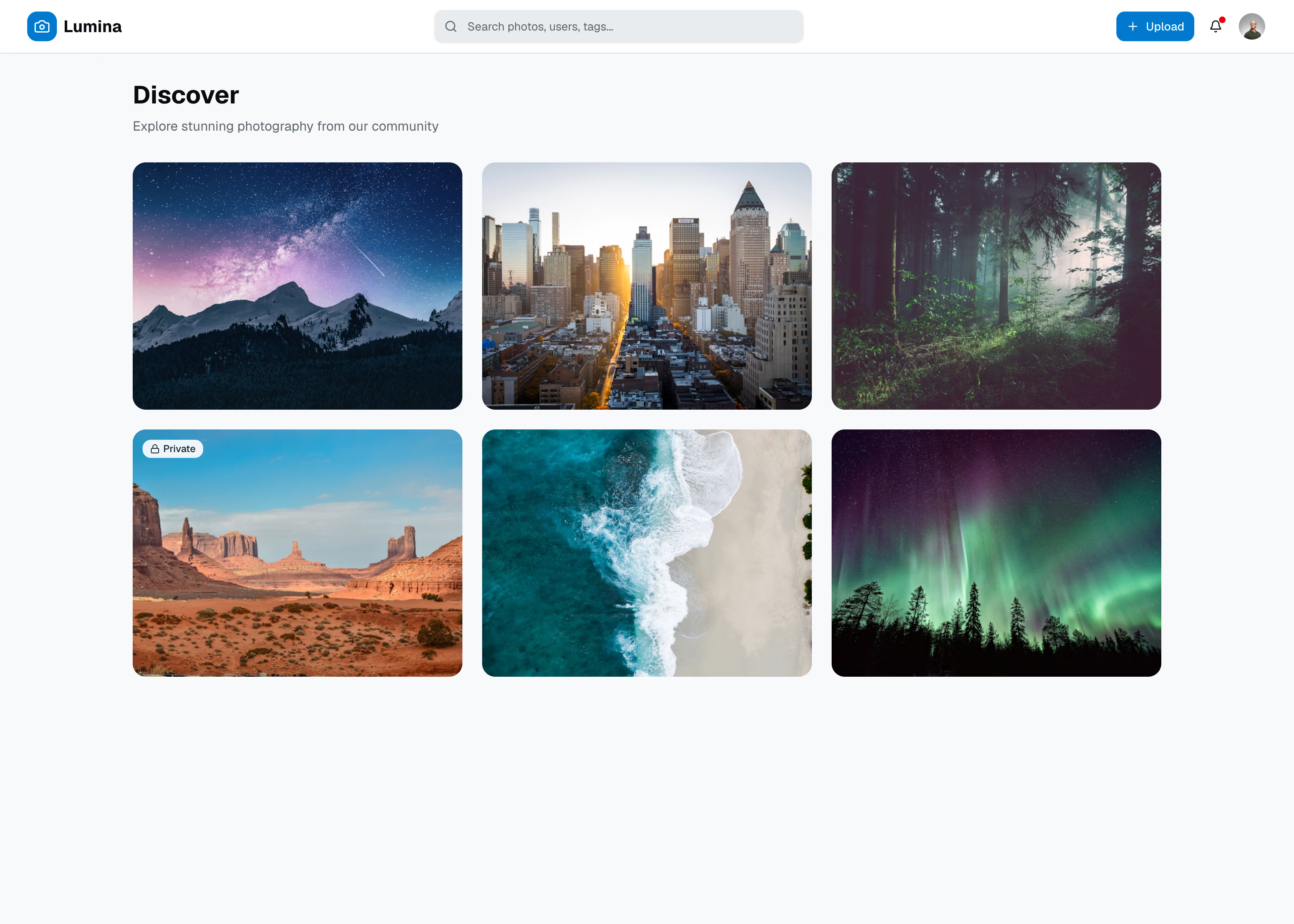
For my little exercise, I asked for a social photo-sharing site and compared v0, Google’s Stitch, and Claude Design. Amusingly, each tool automatically generated a brand name for me (Claude gave my app the name “PhotoShare”, v0 created “Lumina”, and Stitch named it “Invisible Gallery”).

The end result yielded a series of clean interfaces with fancy stock photos, neutral tones, and nice rounded edges–all more polished than a junior designer’s work, but ultimately a lot of sameness. While it seems like these tools (perhaps inadvertently) are all respecting Jakob Nielsen’s usability heuristic #4 regarding consistency, this feels dialed up to an eleven.

This sameness isn’t restricted to the design, either. Want a design file? It’s Figma. Want a coded example? You’re likely getting React with Tailwind CSS. Of course, one could simply prompt overrides to these defaults.

The New Yorker recognized this emerging industry pattern and published an article pointing out this AI aesthetic taking over. I’d definitely share the same concerns.

Where will this ultimately, lead? I think we’ll see more designers drafting very specific prompts to emulate bespoke designs…Or start something akin to an artistic movement that rejects this sameness with layouts that could only be cooked up organically. As for me, I still enjoy the act of creating a bit more manually.


code

Adding custom HTML elements to React TypeScript

I recently created a grid system using custom HTML elements and wanted to use it in my React project, except JSX doesn’t like tags with dashes. Below is a quick solution I found.

// types/grid-container.ts
import type { DetailedHTMLProps, HTMLAttributes } from "react";

interface ContainerAttributes extends HTMLAttributes<HTMLElement> {
  size?: string;
}
interface ColAttributes extends HTMLAttributes<HTMLElement> {
  span?: string;
}
declare module "react/jsx-runtime" {
  namespace JSX {
    interface IntrinsicElements {
      "grid-container": DetailedHTMLProps<ContainerAttributes, HTMLElement>;
      "grid-row": DetailedHTMLProps<HTMLAttributes<HTMLElement>, HTMLElement>;
      "grid-col": DetailedHTMLProps<ColAttributes, HTMLElement>;
    }
  }
}

I create a TS file defining my custom elements, then can apply it, like so:

// Using in my components
function MyComponent() {
  return (
      <grid-container size="lg">
      </grid-container>
  );
}
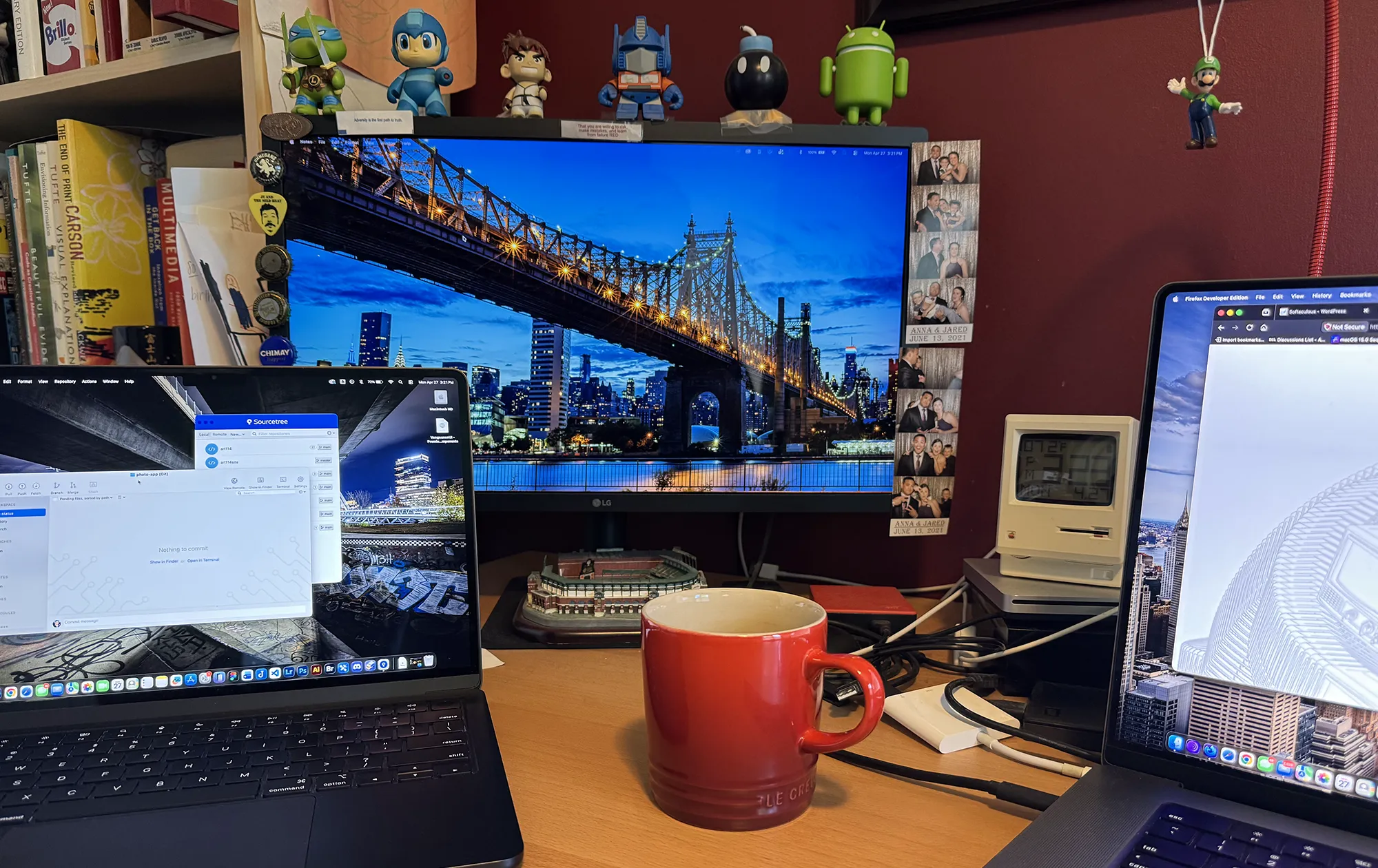
My desktop (literally)

I’m back.

After an eight-year hiatus, I’ve decided to restore this blog. It felt like a human way of contributing to the web amidst all of the current hype around AI. I don’t really believe in AI writing for me, so you won’t catch me using it for that, here.

I initially lost the SQL to the previous iteration of this site (which ran from 2006-2018, RIP), but upon recovering it, it was shocking to many external links have since expired. I view it as an opportunity to start new, and I’ll probably be sticking to more technical stuff.

One thing that hasn’t changed is that this site remains in WordPress. I share DHH’s opinion on how Automattic is weaponizing open source, and contemplated using an open-source headless CMS (I really like Astro), but ultimately this forces me to keep up with what still runs a majority of the web, for better or worse.

I guess we’ll see how well I keep up. Cheers!